
Servers List
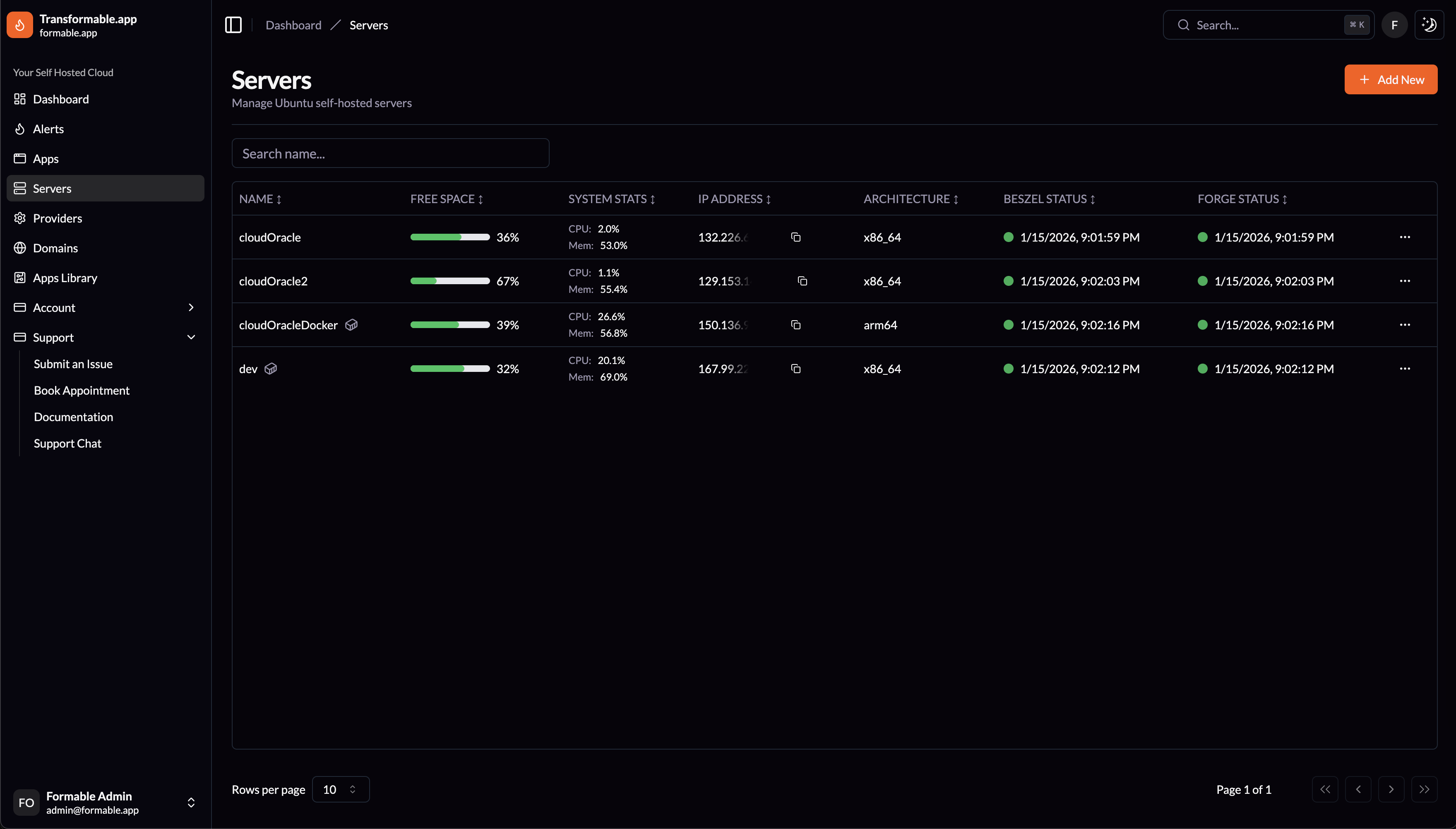
Servers
Manage Ubuntu self-hosted servers. Search for any server by name or IP Address or click Add New to create a new server.
The servers list allows you to quickly review Free Space on your servers along with System Stats thanks to the Beszel integration. All columns are sortable, and you can copy any server IP Address easily.
Edit
Edit all the Portainer integration information for each server, Portainer URL, key and admin password. Update notification thresholds for each server. Nginx Max Upload Size and Max Execution Time can also be changed, along with the server's default Timezone. Set Check Ubuntu Updates and Notifications Enabled for each server.
Updates Report
An Ubuntu Server Updates status and configuration checks report can be reviewed for each server.
Check Updates
Run a job on transformable.app to check the updates information for a specific server. Also runs daily for each server on transformable.app.
Restart
Restart the server.
Stop / Start
Stop or start the server, option changes based on server status.
Open in Beszel
Open server status details page in Beszel. If you have a Beszel Hub integration or user login on the Formable Beszel Hub (hub.formable.app).
Request Support
Request server support from the transformable.app team.
Server Notifications and Resolution
If notifications are enabled for the server transformable.app will email you if there are any connection issues with the server or Portainer or if the free disk space reaches your preset thresholds. These are our immediate concerns in terms of server uptime. The transformable.app team also receives direct notifications from the Formable Beszel Hub for all the Server Stats by email and in a NTFY channel so we can advise on any performance changes and take action if approved by you.
No comments to display
No comments to display